
Overview
Google has updated the authentication and certification process for apps linking to personal calendars without prior notice. This has led to an Unsafe warning that applies to the Google certification process and not the safety of Oases.
Article Sections
Security Warning
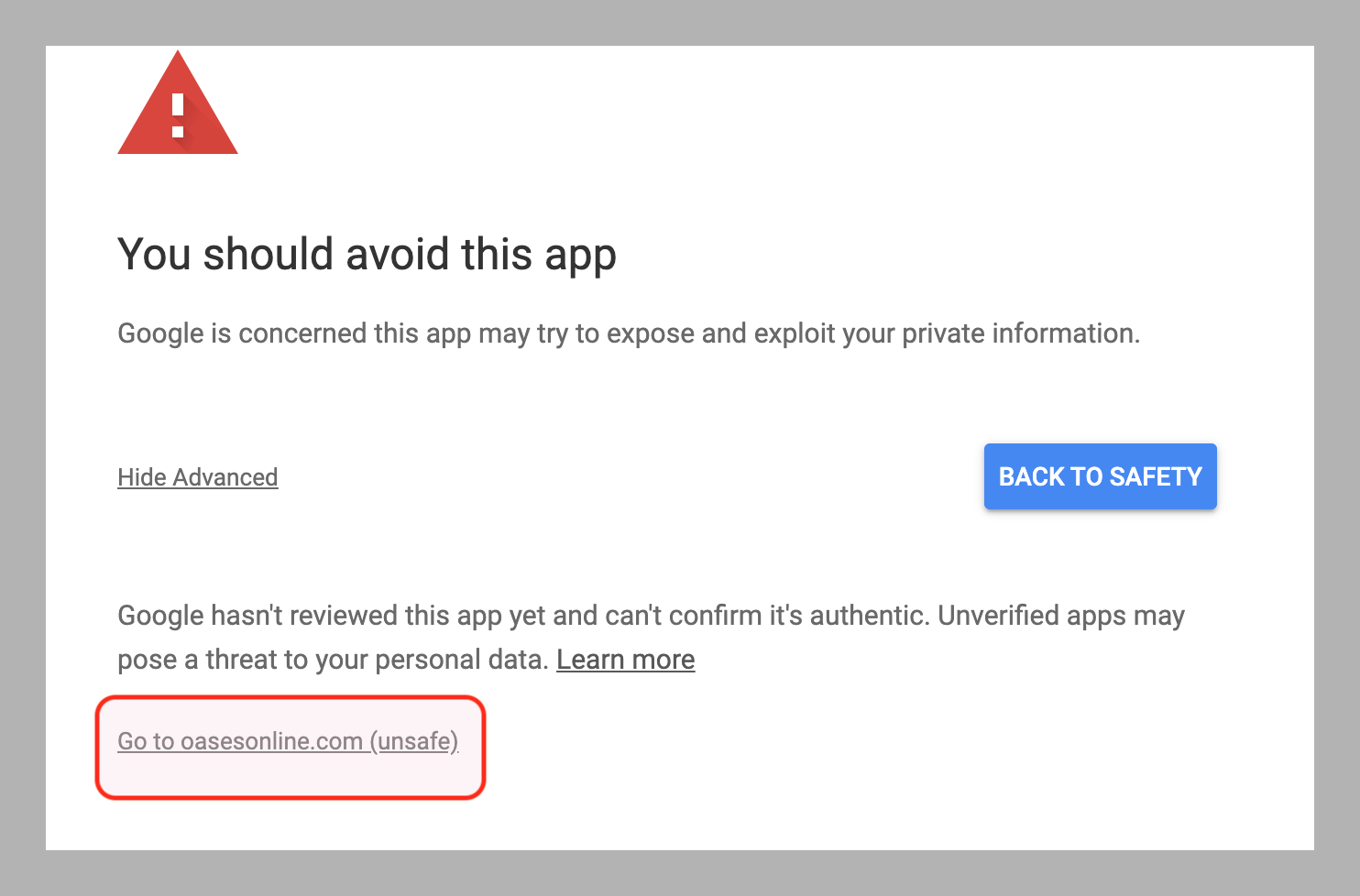
1. When linking a personal Google calendar from your Oases calendar the following warning is now displayed by Google.

Oases Security
2. Oases is not unsafe and the message refers to the fact that while we have submitted the items for re-certification this has at this time not yet been addressed by Google. Oases is a secure site with 256 bit encryption.
Link Calendar
3. While you are under no obligation to link your Google calendar to Oases should you wish your Oases sessions to display in your personal calendar Press Advanced and the information will expand as shown below.
4. Press the Oases Online link which is not unsafe. Oases is a secure site with 256 bit encryption.
5. When pressed this will take you to the authentication page.
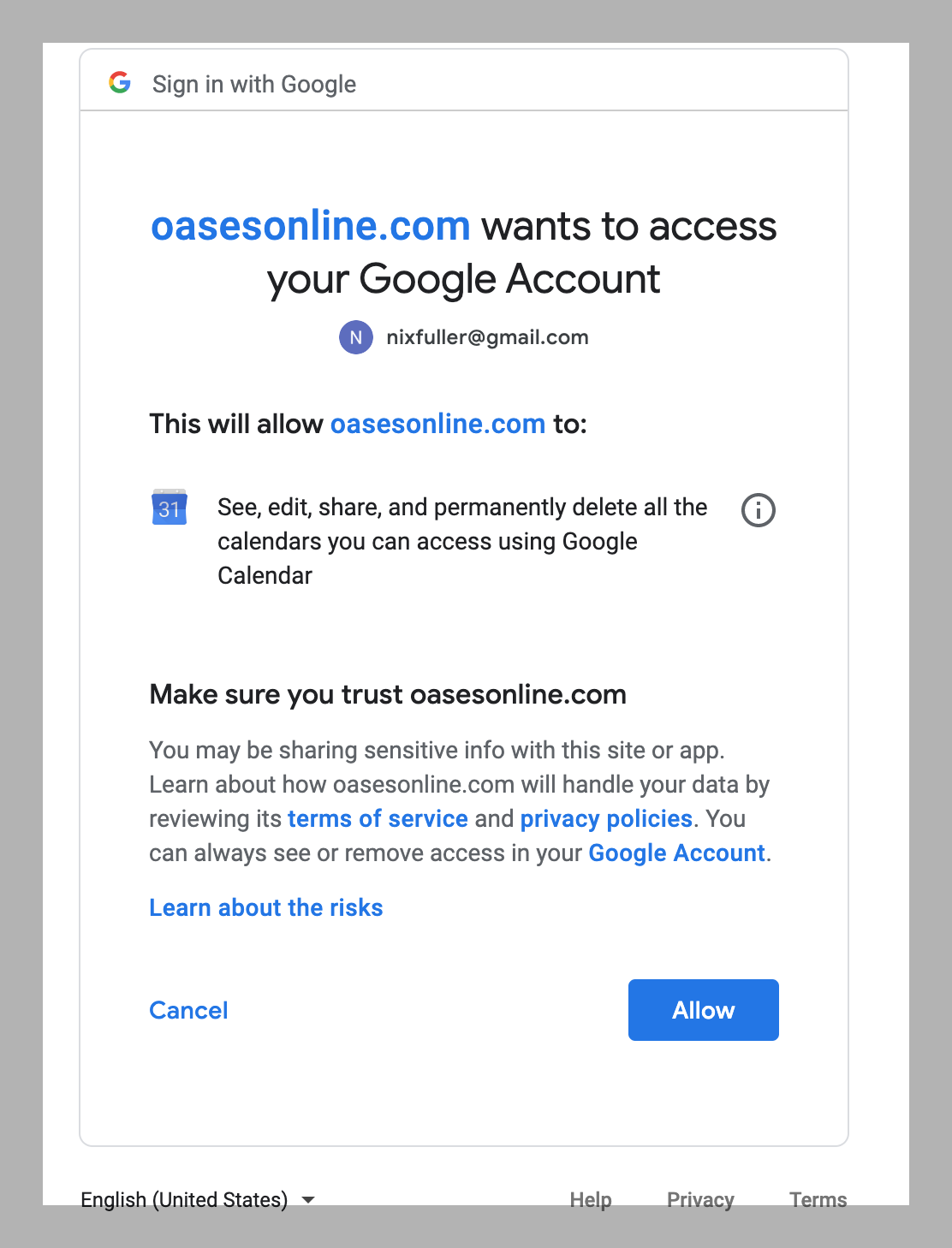
6. Press allow to link your calendar.
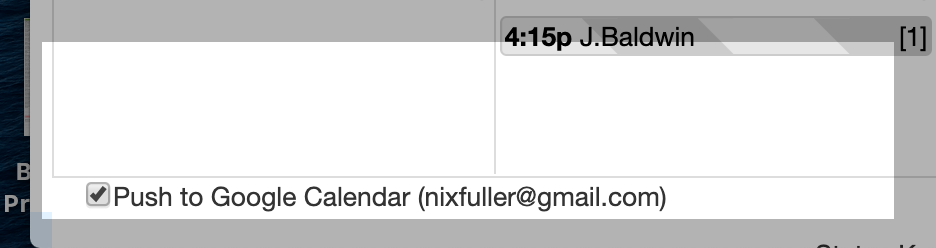
7. At the bottom of your calendar you will see the linked item and can press the Send All to Google button to update your personal calendar.
Re-Certification
8. Google documentation has advised that the re-certification process may take several weeks at which time the security warning will be removed.